Combo Bundles Documentation
Complete merchant guide and technical reference for Combo Bundles by Nextvance — the premier bundle, quantity break, and mix-and-match app for Shopify.
Welcome to the official documentation for Combo Bundles. Built natively on Shopify Online Store 2.0 Theme App Extensions and modern Shopify Functions (Cart Transform & Native Line Discounts), Combo Bundles helps merchants boost Average Order Value (AOV), run high-converting tiered volume promotions, and synchronize multi-product box inventory with zero code edits.
Core Capabilities
- Bundle Blocks (Inline Offers): Create high-converting inline product offers directly on your product display pages (PDPs), collections, or cart.
- Explore Offer Stack, Package Cards, Combo Bundle, Gift Unlock, and Add-on Offers.
- Box Builders (Mix & Match): Build-a-box experiences enabling customers to pick custom combinations with single-step or multi-step progression.
- Read the Bundle Blocks Overview and Box Builder configurations.
- Conversion Boosters: Add built-in urgency and proof tools including Countdown Offer Timers, Live Social Proof alerts, Progress Reward goal trackers, and Sticky Add-to-Cart bars.
- Native Shopify Functions: Automatic checkout line discounts and Cart Transform function that expands combo bundles into individual SKU components for flawless warehouse fulfillment.
- Comprehensive Analytics: Track conversion funnels, revenue generated by bundle experience, top-performing products, and customer behavior.
Quick Links
- Quick Setup Guide — 3-minute onboarding for activating theme app embeds and launching your first bundle.
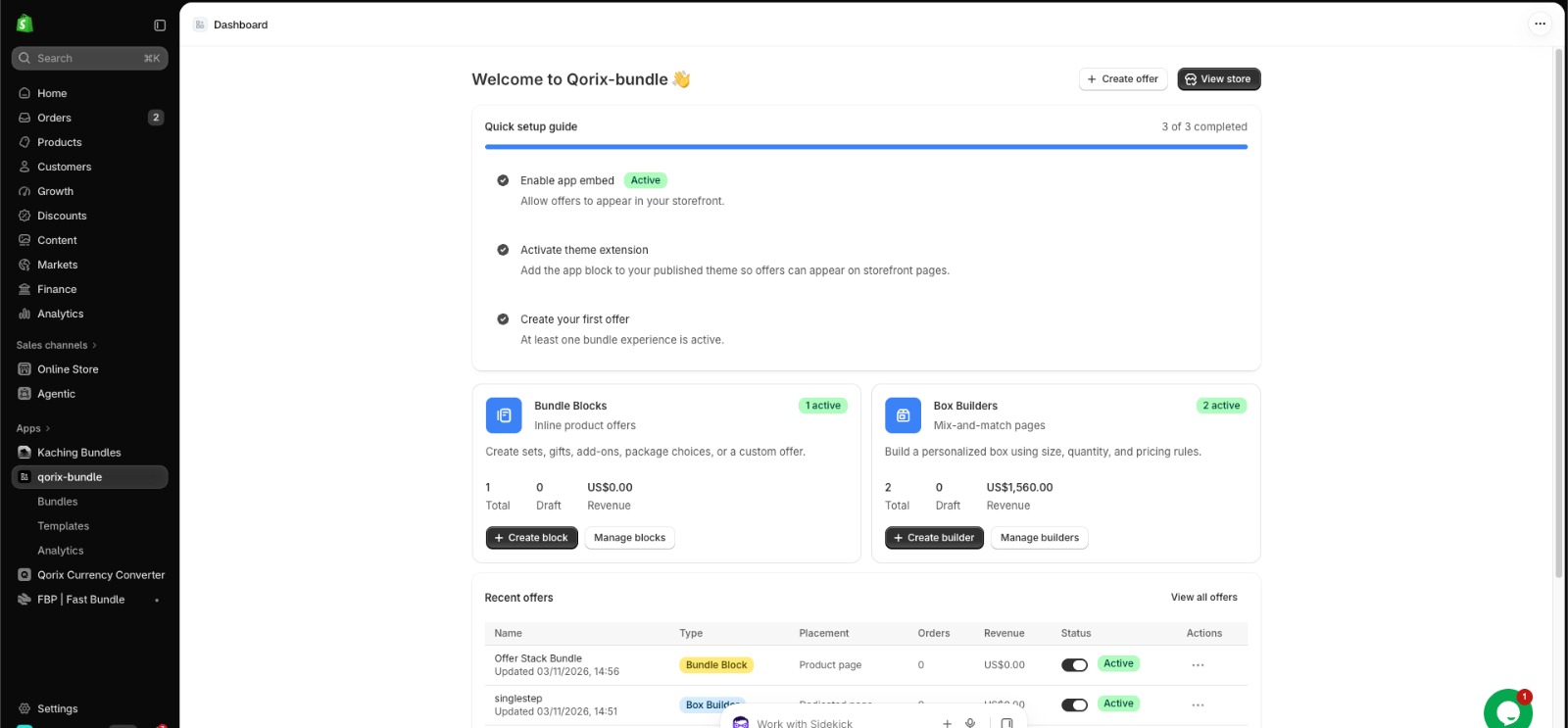
- Merchant Dashboard Overview — Tour of stats cards, bundle creators, and recent offers.
- Offer Stack Guide — Setup tiered quantity breaks and savings badges.
- Combo Bundle Guide — Combine complementary products with automated cart transformation.
- Box Builders Guide — Configure curated sets and multi-step mix-and-match boxes.
- Conversion Boosters — Setup countdown timers, social proof, and sticky add-to-cart bars.
- Analytics Dashboard Guide — Monitor 4-stage conversion funnels and revenue attributed by bundle type.
- Discounts & Pricing Engine — Percentage, fixed amount, and native Cart Transform discounts.
- Inventory & SKU Sync — Real-time component stock deduction and out-of-stock safety handling.
- Branding & Appearance — Theme customization (#2563EB), card radius, and cart drawer synchronization.
- Quick Testing Guide — Essential pre-launch verification checklist for theme display and checkout discounts.
- Contact Support — Reach our dedicated 24/7 technical team at Nextvance.